Did you know that 82 million U.S. employees, about 54% of the American workforce, are affected by payroll problems? From missed payments to data inconsistencies, payroll issues can be frustrating and costly for any business.
If you're facing these challenges, Workday integrations can be the solution. By seamlessly connecting your Workday system with HR, payroll, and finance platforms, you can automate workflows, reduce errors, and ensure accurate, timely payments every time.
This article will show how Workday integrations can save time, improve data accuracy, and help your business scale more efficiently. Let's explore the benefits and practical applications of integrating Workday into your systems.
Key Takeaways
- Workday integrations streamline HR, payroll, and finance processes by automating data flow between systems.
- Key integration methods include Core Connectors, EIB, and Workday Studio for seamless data synchronization.
- These integrations help businesses reduce errors, improve data accuracy, and save time.
- Best practices include defining clear objectives, testing integrations thoroughly, and prioritizing security.
- Bindbee's unified API enables businesses to integrate Workday with any employment app in minutes, simplifying the process and ensuring scalability.
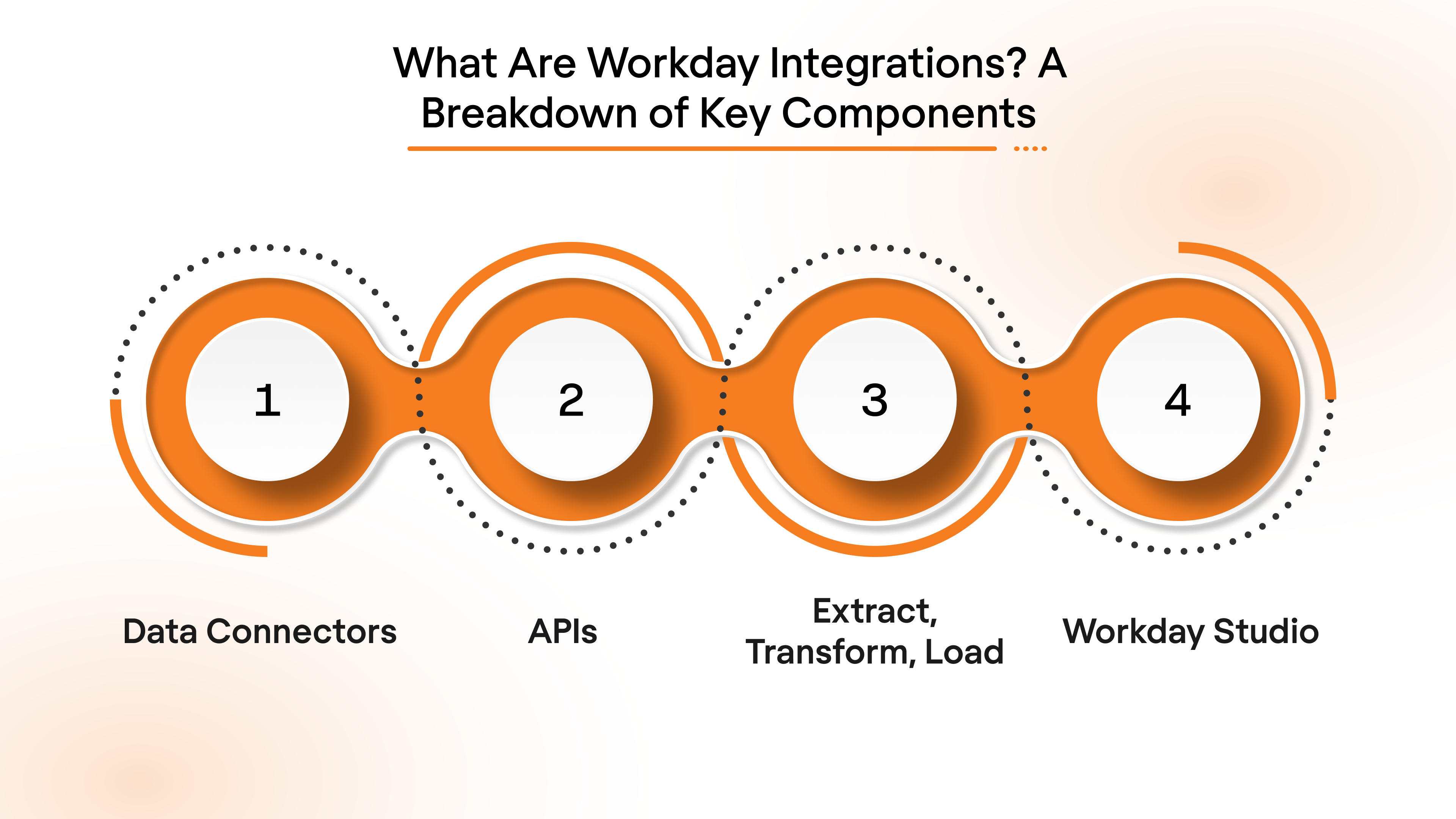
What Are Workday Integrations? A Breakdown of Key Components
Workday integrations involve connecting Workday (your HR and finance platform) with other business systems to automate data flow and improve operational efficiency.
Here are the key components of Workday integrations:
- Data Connectors: Pre-built templates designed to sync data between Workday and other platforms, simplifying integration with systems like payroll, recruiting, and benefits.
- APIs: Custom integrations that allow real-time data exchange between Workday and third-party applications, ensuring instant updates across all systems.
- ETL (Extract, Transform, Load): A method of bulk data integration, used for handling large sets of data or performing complex workflows, such as syncing historical data into Workday.
- Workday Studio: An advanced integration tool for creating and managing complex integrations, giving you full control over workflows and customizations.
- iPaaS (Integration Platform as a Service): Cloud-based platforms that enable Workday to connect with multiple third-party applications, providing scalable and secure integration solutions.
These components work together to ensure data consistency, eliminate manual processes, and reduce the risk of errors.
Now that you understand the core components, let’s look into why Workday integrations matter and how they can drive real business impact.
Why Workday Integrations Matter: Benefits That Drive Real Business Impact
Workday integrations bring significant advantages by automating data flows and connecting various business systems.
Here’s why Workday integrations matter:
- Operational Efficiency: Automate end-to-end workflows, from employee onboarding to payroll processing, reducing manual effort and increasing team productivity.
- Data Consistency Across Systems: Ensure that employee data, payroll info, and performance metrics are accurate and aligned across all platforms, minimizing discrepancies.
- Real-Time Data Sync: Enable real-time updates across systems, ensuring that key decisions, such as payroll adjustments or benefits enrollment, are made with the latest data.
- Reduced Compliance Risks: Automate regulatory reporting and compliance checks, ensuring timely and accurate filings, and minimizing risks associated with human errors.
- Cost Reduction: Minimize IT overhead by eliminating the need for custom integrations and manual processes, saving time and resources in the long run.
With these key benefits in mind, let's explore the most common Workday integration methods you can use to drive these advantages in your business.
Also Read: Understanding the Role of APIs in Employee Benefits Administration
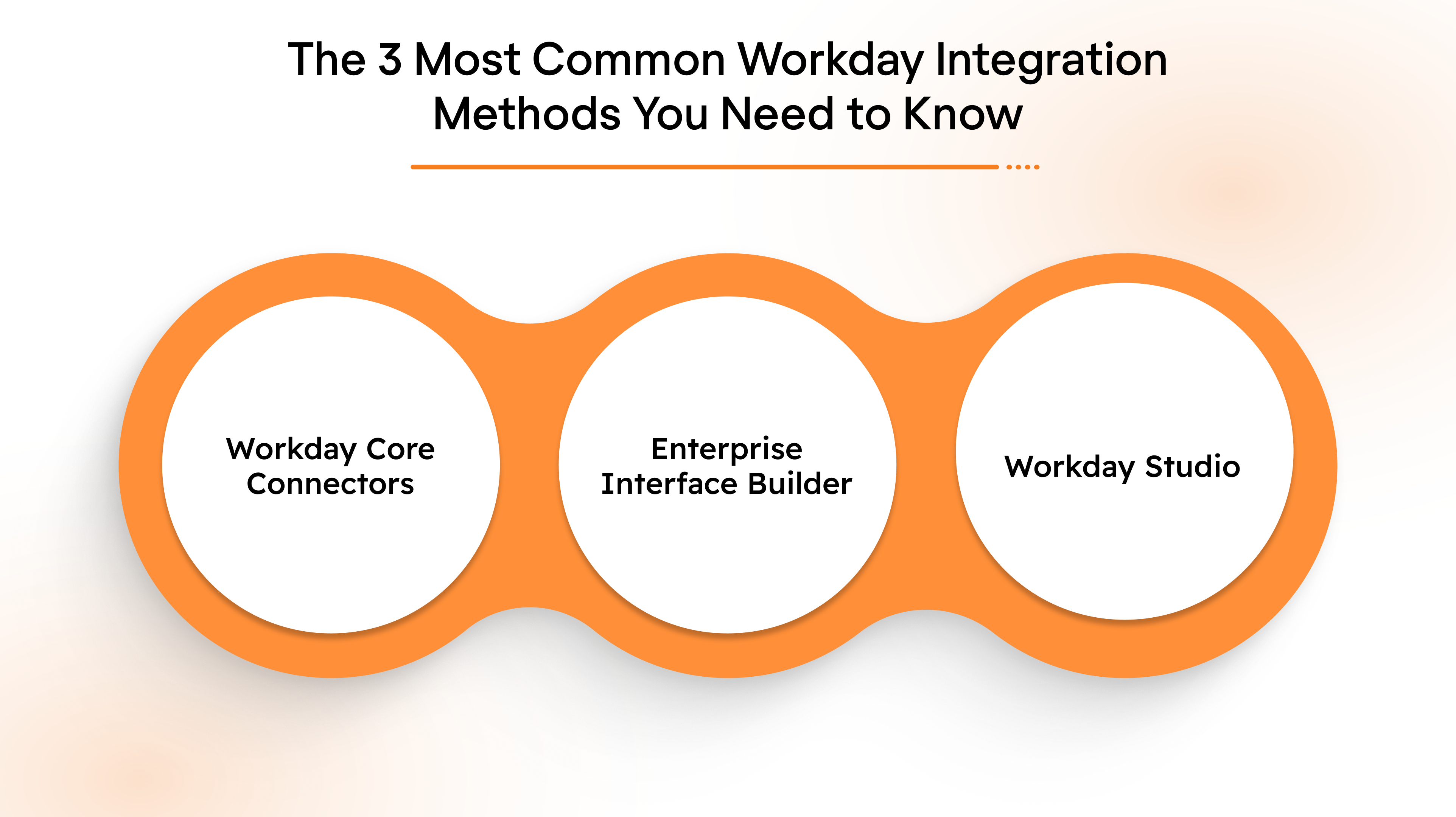
The 3 Most Common Workday Integration Methods You Need to Know
When integrating Workday with other systems, Workday provides several powerful tools. These integration methods are designed to suit different business needs and technical environments, streamlining your operations and ensuring smooth system connections.
Here are the three most common methods:
1. Workday Core Connectors
Core Connectors are pre-configured templates that simplify the integration between Workday and commonly used third-party systems for functions like HCM, payroll, and financials. These connectors reduce the complexity of integrations by offering built-in business logic.
- Best for: Pre-built integrations with commonly used third-party systems.
- Use case: Ideal for businesses looking to integrate Workday with external systems such as payroll or benefits platforms.
- Why it's useful: Reduces development time by providing built-in business logic and mappings, making integrations faster and easier.
2. Enterprise Interface Builder (EIB)
EIB is a user-friendly, low-code tool for building inbound and outbound integrations. It simplifies data extraction, transformation, and delivery, enabling businesses to move data between Workday and external systems without deep technical expertise.
- Best for: Simple, low-code integrations with minimal technical expertise required.
- Use case: Perfect for businesses needing to import or export data between Workday and systems like payroll vendors or external spreadsheets.
- Why it's useful: Fast setup and user-friendly interface, making it ideal for businesses with less complex integration needs.
3. Workday Studio
Workday Studio is an advanced development environment for creating highly customized integrations. It offers features like flow control, data transformation, and error handling, making it suitable for complex, enterprise-grade integrations.
- Best for: Complex, highly customizable integrations.
- Use case: Ideal for businesses needing to integrate Workday with multiple systems and apply advanced business rules.
- Why it's useful: Provides full flexibility and control, allowing developers to build sophisticated, personalized integrations.
Now that you understand the different integration methods, let’s take a look at how you can apply these integrations to increase HR and payroll efficiency.
Top 5 Workday Integration Use Cases That Boost HR & Payroll Efficiency
Workday integrations can significantly improve HR and payroll operations by automating manual tasks, improving data accuracy, and ensuring real-time updates.
Here are five key use cases where Workday integrations can have the most impact on HR and payroll efficiency.
1. Onboarding Automation
By integrating Workday with your Applicant Tracking System (ATS), new employee data is automatically synced to Workday, triggering payroll, benefits enrollment, and compliance workflows. This eliminates manual data entry, reduces delays, and ensures that all employee information is up to date and consistent across systems.
2. Payroll Synchronization
When Workday is integrated with payroll platforms like ADP or Paychex, employee payroll data is synced automatically, streamlining the payroll process. This integration ensures that payroll runs smoothly, on time, and without discrepancies, while also keeping employee records in sync with the latest data.
3. Benefits Enrollment
Integrating Workday with benefits administration platforms ensures that employee benefits selections are automatically updated in the system. This eliminates the need for manual updates and ensures that employees’ benefits choices are accurately reflected, reducing confusion during the enrollment process.
4. Performance Management Integration
Workday can be integrated with performance management tools to track employee goals, feedback, and performance reviews. This enables a seamless connection between employee development and compensation, making it easier to align performance data with rewards and recognition.
5. Compliance & Reporting
Integrating Workday with compliance platforms and reporting tools automates the generation and filing of reports required for audits and regulatory adherence. This saves time and ensures that all necessary reports are accurate and submitted on schedule, reducing the risk of non-compliance.
Are manual processes slowing down your HR and payroll operations? Bindbee’s unified API connects Workday with your core systems in minutes, automating workflows, reducing errors, and ensuring seamless, real-time data sync.
Now, let’s look at the best practices to ensure seamless and effective Workday integrations.
Best Practices for Successful Workday Integrations: 6 Tips for Seamless Connections
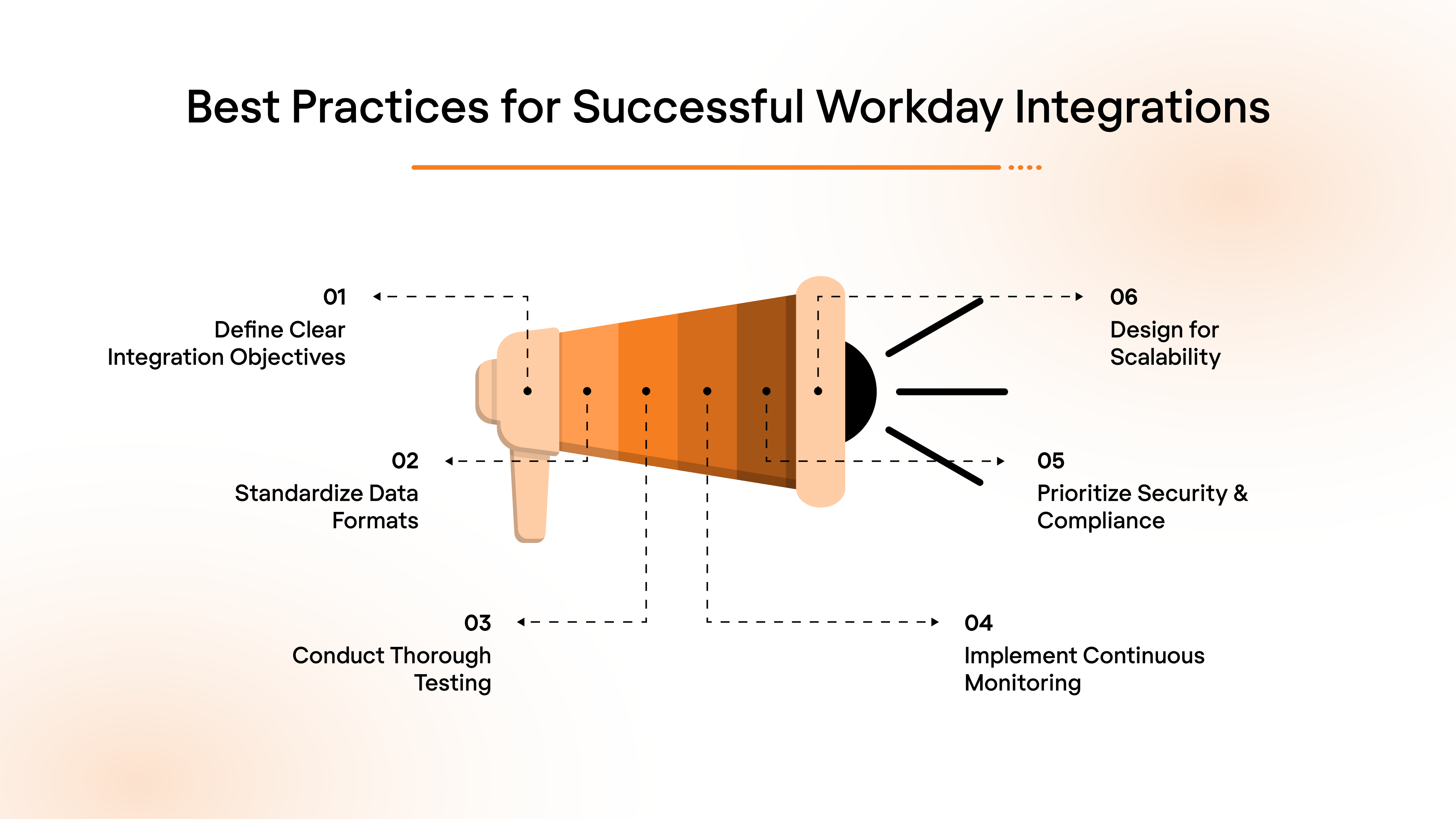
Successfully integrating Workday with your systems requires careful planning and execution. By following best practices, you can ensure smooth data flows, minimize errors, and reduce integration time.
Here are six actionable tips to help you achieve seamless Workday integrations.
- Define Clear Integration Objectives:
- Identify key business goals for the integration, such as automating payroll or syncing HR data in real-time.
- Set clear success metrics to measure the integration's effectiveness and impact.
- Standardize Data Formats Across Systems:
- Ensure data fields and formats are consistent across Workday and other connected systems to prevent errors (e.g., employee ID formats, compensation structures).
- Use data mapping standards to eliminate inconsistencies.
- Conduct Thorough Testing & Validation:
- Perform comprehensive testing to ensure data flows accurately between systems, simulating real-world scenarios like payroll runs or employee onboarding.
- Test in a sandbox environment before going live to identify potential issues.
- Implement Continuous Monitoring & Error Handling:
- Set up automated alerts to monitor integration health and data sync status.
- Quickly resolve errors to prevent disruptions in workflows, ensuring smooth operations.
- Prioritize Security & Compliance:
- Use secure authentication methods like OAuth or SSO for all integrations to safeguard sensitive employee data.
- Ensure compliance with relevant regulations (e.g., GDPR, SOC 2) and employ encryption for data security.
- Design for Scalability:
- Build integrations with future growth in mind, ensuring your systems can scale as your business expands.
- Tools like Bindbee’s unified API allow for seamless Workday integrations, enabling you to integrate with any employment app in less than 5 minutes, and adapt to your growing business needs without extensive reconfiguration.
By following these practices, you can ensure that your Workday integrations are not only successful but also sustainable in the long term.
Now, let’s explore the common challenges businesses face during integration and how to overcome them.
Also Read: Top 5 API Advantages for Business Growth and Efficiency
Overcoming 5 Major Challenges in Workday Integrations
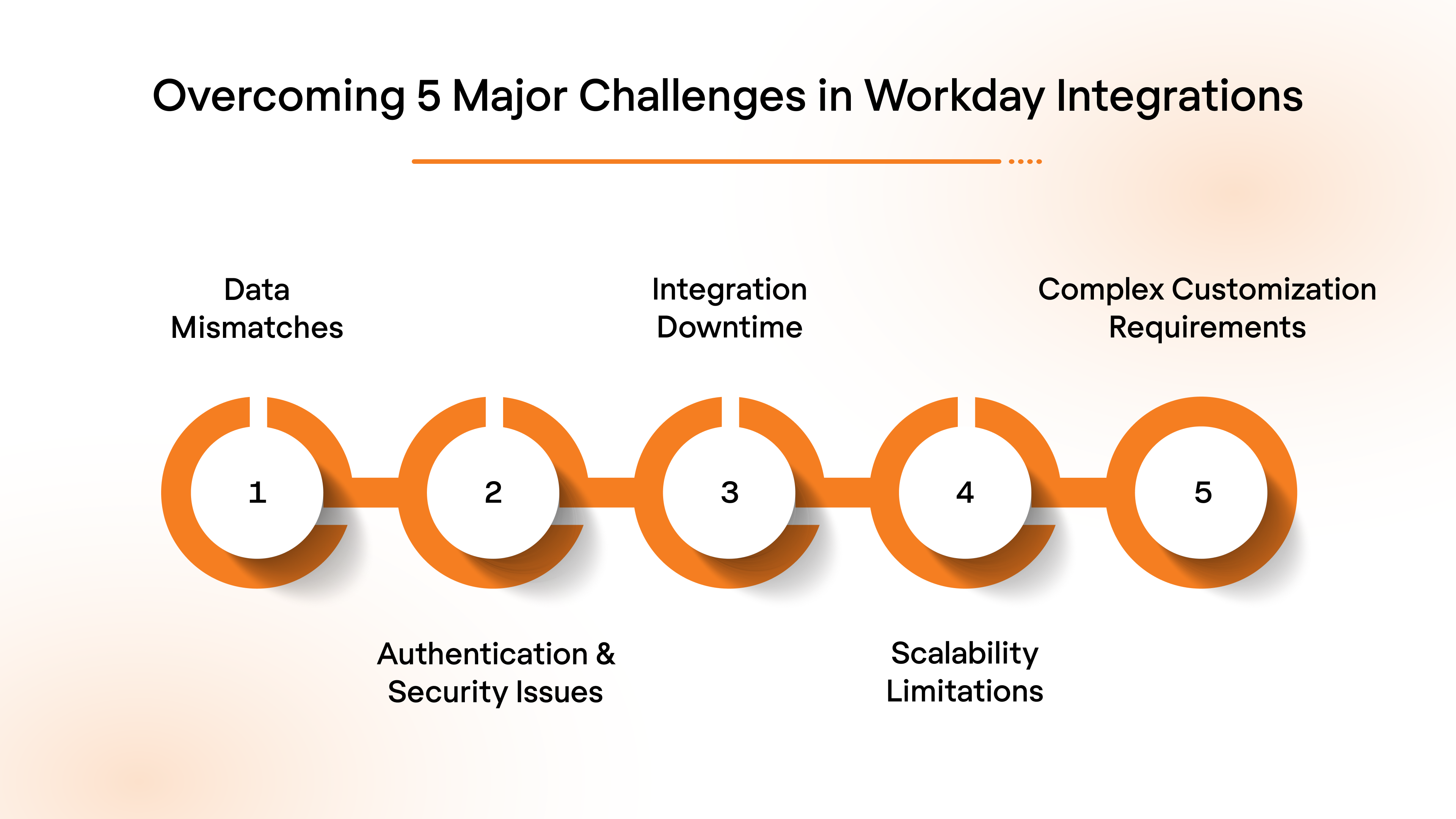
While Workday integrations can provide significant benefits, they come with their own set of challenges. Common issues like data mismatches, security concerns, and system downtime can hinder the success of integrations.
However, with the right strategies, these challenges can be easily overcome, ensuring smoother, more efficient integrations.
- Data Mismatches: Use data mapping tools to ensure consistency in formats across all integrated systems. Regular data audits help identify and resolve inconsistencies early, ensuring smooth data synchronization between platforms.
- Authentication & Security Issues: Implement secure authentication methods like OAuth or Single Sign-On (SSO) to ensure secure data exchanges. Additionally, use encryption to protect sensitive employee and payroll data during integration.
- Integration Downtime: Conduct thorough testing before going live and use monitoring tools to track integration performance in real-time. This helps identify and fix issues before they impact daily operations, minimizing downtime.
- Scalability Limitations: Design integrations that can scale with your business. Platforms like Bindbee's unified API make it easy to scale without requiring extensive reconfiguration, allowing for seamless growth as your needs grow.
- Complex Customization Requirements: Use flexible integration tools like Workday Studio or low-code platforms to accommodate unique business needs. Start with pre-built connectors for commonly used applications, then customize as needed to meet specific requirements.
Addressing these challenges head-on will help ensure your Workday integrations run smoothly.
Now, let’s look at how seamless integrations can streamline your business processes and drive efficiency.
Streamline Your Business with Seamless Workday Integrations
Workday integrations can significantly improve efficiency, reduce errors, and automate manual processes. By connecting Workday with your core systems, you can ensure data consistency, real-time updates, and a smoother workflow across HR, payroll, and finance.
Bindbee simplifies the integration process by providing a unified API platform that connects Workday with other business systems quickly and securely. It enables seamless automation of workflows, reducing IT overhead and ensuring consistent data across all platforms.
Here's what Bindbee offers:
- Seamless integrations with HR, payroll, and finance systems
- Real-time data sync across platforms
- Customizable workflows to suit specific business needs
- Quick setup with pre-built connectors for popular apps
- Scalable solutions that grow with your business
- Robust security to ensure safe data exchanges
Get started with Bindbee and integrate Workday with your core systems in under a week!
FAQs
1. Can Workday integrations improve employee data accuracy?
Yes, Workday integrations ensure real-time syncing between HR, payroll, and finance systems, reducing manual errors. Automated data flow ensures consistency and accurate records across all platforms.
2. How long does it take to implement a Workday integration?
The time to implement depends on the complexity, but integrations with pre-built connectors can be set up within a few hours. Custom integrations may take longer, depending on business needs.
3. Is Workday integration secure for sensitive employee data?
Absolutely. Workday integrations use secure authentication methods like OAuth, ensuring data is safely exchanged across platforms. Encryption is also used to protect sensitive employee and payroll data.
4. What are the most common systems integrated with Workday?
Workday is commonly integrated with HRIS, payroll systems like ADP and Paychex, performance management tools, and compliance platforms. These integrations help automate processes and improve efficiency.
5. Can small businesses benefit from Workday integrations?
Yes, small businesses can significantly benefit from Workday integrations by automating manual tasks and streamlining HR, payroll, and finance functions. Integrations help reduce overhead and improve accuracy.


.jpg)